Get started

Security notice: Neptune Cash uses novel cryptography. The design is based on established research and has undergone security reviews, but the implementation has not yet been battle-tested at scale. Only risk funds you can afford to lose.

Step-by-step beginner guide

  1. Download the wallet — Get Neptune Wallet from the official GitHub releases (see below). Verify the download matches the published checksum.
  2. Create a new wallet — Launch the app and follow the setup wizard to create a new wallet file.
  3. Back up your recovery phrase — Write it down on paper and store it somewhere safe. If you lose this, your funds cannot be recovered.
  4. Get NPT (Neptune Cash) — Get NPT from an exchange (see below) or earn it by mining.
  5. Withdraw to your wallet — Always move funds from the exchange to your personal wallet for long-term storage. Exchanges can be hacked or freeze accounts.
  6. Send a small test transaction first — Before sending a large amount, verify everything works with a small test. Mistakes in crypto can be permanent.
Available wallets

Desktop wallet

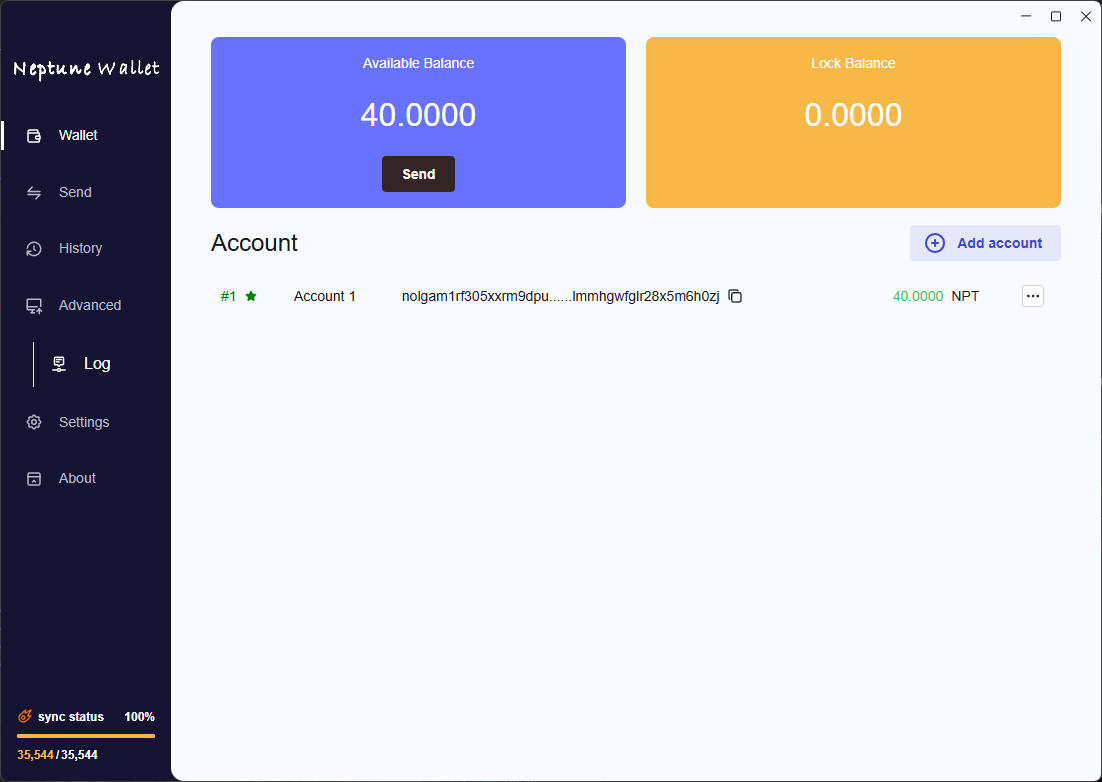
Neptune Wallet

A lightweight desktop wallet for everyday NPT use, with a user-friendly interface for sending, receiving, and managing funds.

Neptune Wallet screenshot
Windows macOS Linux
Get Neptune Wallet
Desktop wallet

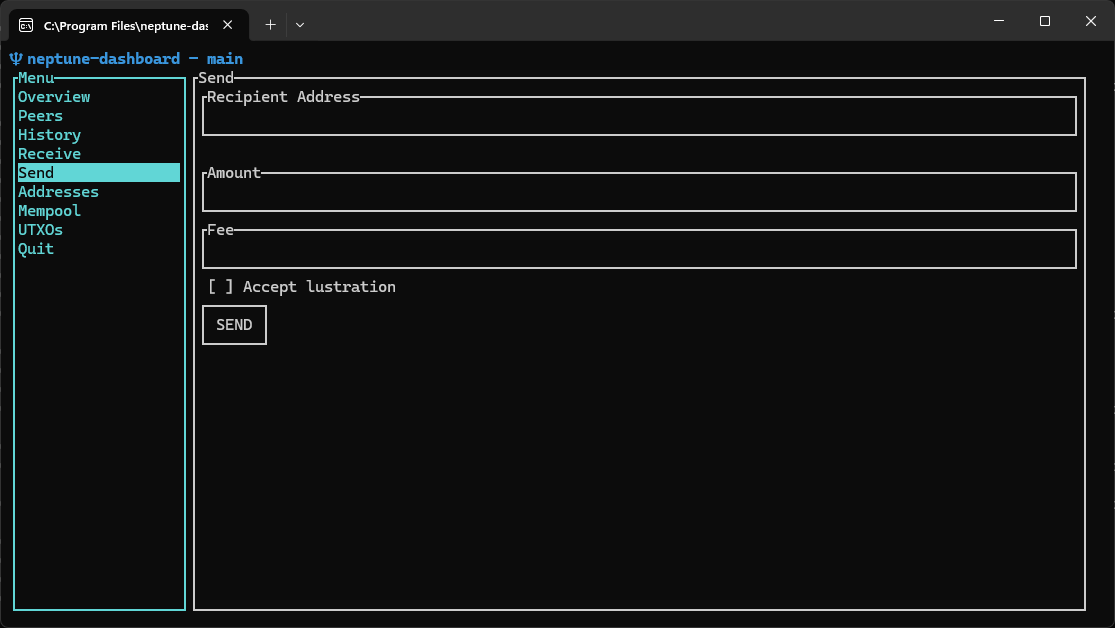
Neptune Dashboard

A terminal-based wallet dashboard for users running Neptune Core node, with tools to manage funds and monitor the node.

Neptune Dashboard screenshot
Windows macOS Linux
Get Neptune Dashboard
Mobile wallet
Coming soon

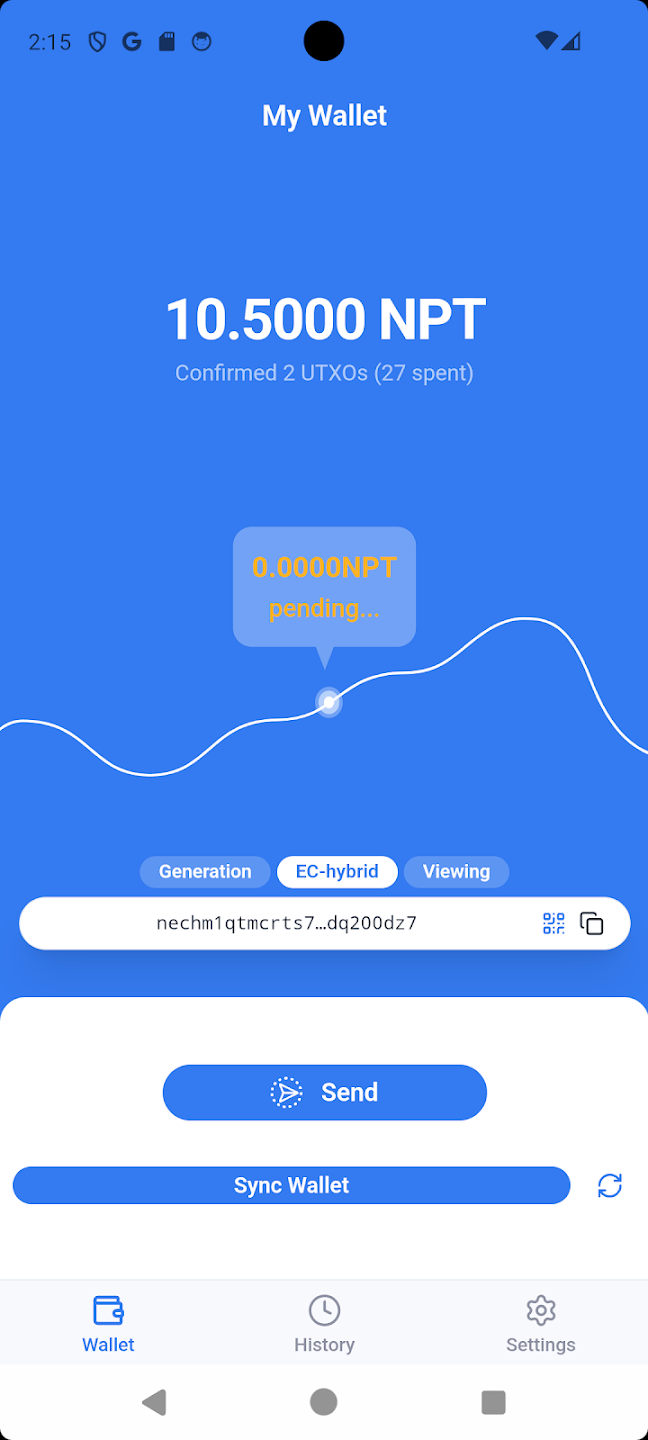
Neptune Wallet Mobile

Not yet released. Avoid fake mobile apps — Neptune Wallet Mobile has not been released. Only download wallet software from official Neptune Cash sources.

Accessing NPT

Centralized exchange Third-party

SafeTrade

Safetrade.com Inc. is a global cryptocurrency trading platform, founded in 2018 and legally registered in Panama.

Open SafeTrade ↗

Third-party service. Not financial advice. Always verify exchange legitimacy independently. Use at your own risk.

Storing NPT safely

After purchasing, withdraw your NPT to a personal wallet — don't leave funds on an exchange long-term.

  • Use the wallet address from your Neptune Wallet app
  • Double-check the address before confirming
  • Start with a small test withdrawal first
  • Keep your recovery phrase backed up offline